
Worms Across Worlds

Can two people play Worms Across Worlds on one screen?
Yes. Up to 4 players can play Worms Across Worlds co-op on one iPad: same screen.
The Apple Arcade Worms. Turn-based artillery, with a campaign the listing says you can play with a friend in couch co-op.
How you play together
- Two controllers
One controller per player, or both on the shared touchscreen. Turns go by team colour, so both players share one colour.
How to start co-op in Worms Across Worlds
- Connect two controllers.
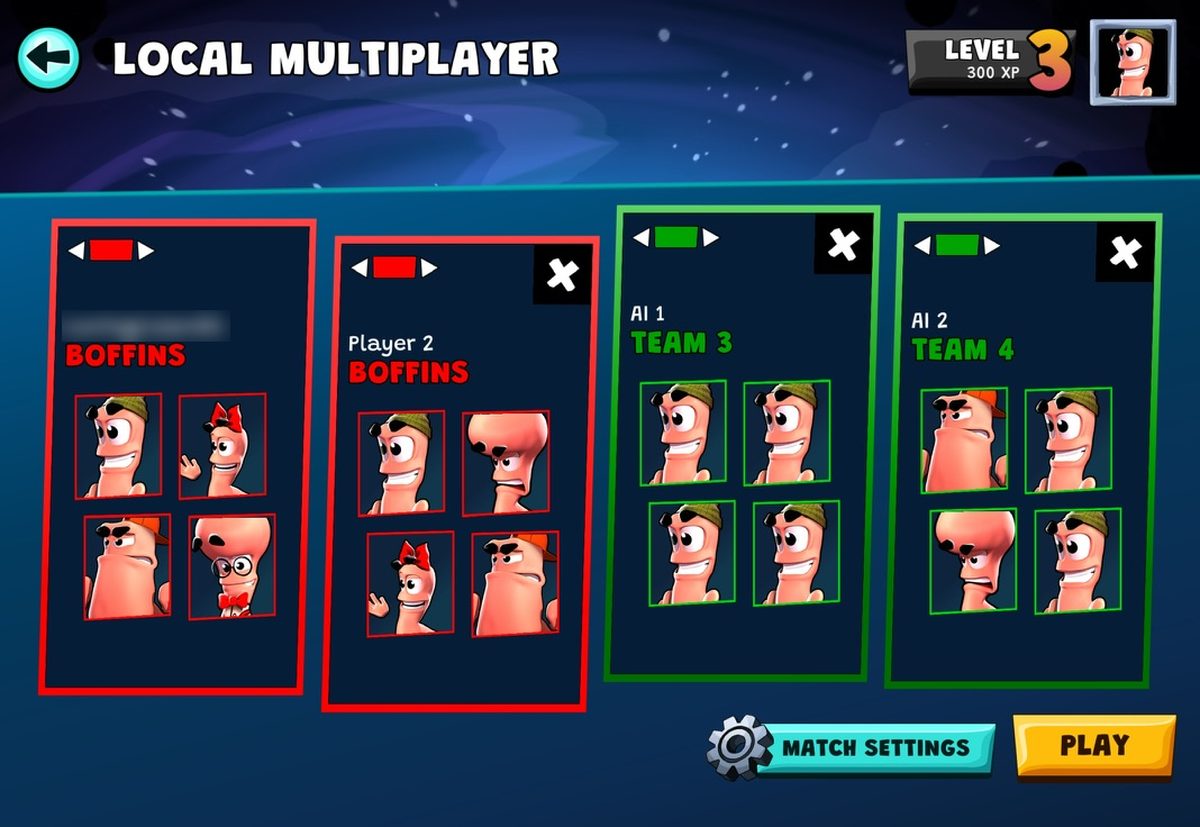
- Open Local Multiplayer.
- Add a team for each player and set its colour with the arrows at the top of the card.
- Give both players the same colour and the AI teams another one, for example two red and two green.
- Press Play. Your team's turn can be played from either controller, so agree who takes it.
- Turns go by colour, not by team. If you each pick your own colour, you play against each other.
- If you share one colour while the two AI teams each have their own, you only get every third turn. Two red and two green keeps it even.
- Your team moves every second turn and either controller can play it. Agree who takes each turn, or player one ends up playing all of them.
The details
- Same screen, both at once
- Yes
- Split screen
- Not confirmed
- Pass the device, taking turns
- Not confirmed
- Two controllers on one device
- Not confirmed
- Same mode on Android
- Not on Android
- Online, a device each
- Not confirmed
- Players together
- 2 to 4
- Controllers
- Full controller support
Worth knowing
Turns go by colour, not by player. Put both players on one colour and the AI on another, or you end up playing against each other or waiting every third turn. Your team's turn can be played from either controller, so agree who plays it.
Our review
Worms Across Worlds. What can we say? It is the classic Worms experience, and really fun to come back to over and over again. A clear recommendation.
Setting up co-op takes one trick. Turns go by colour, not by team. If you each join with your own colour, you play against each other, so it is not co-op. And if you two share one colour while the two AI teams each get their own, your colour only gets every third turn. The fair setup is two red and two green, for example: you two on red, the AI on green.
Some reviews trash the controller controls. Once you get used to them they are really playable, and I definitely prefer them over the touch gestures. You can also play on one shared touchscreen, but two controllers work perfectly fine.
One thing to know when you play as one team against another: your team moves every second turn, and either controller can play it. If player one just keeps grabbing the turn, player one plays every time. So you have to coordinate a little and decide who takes each turn.
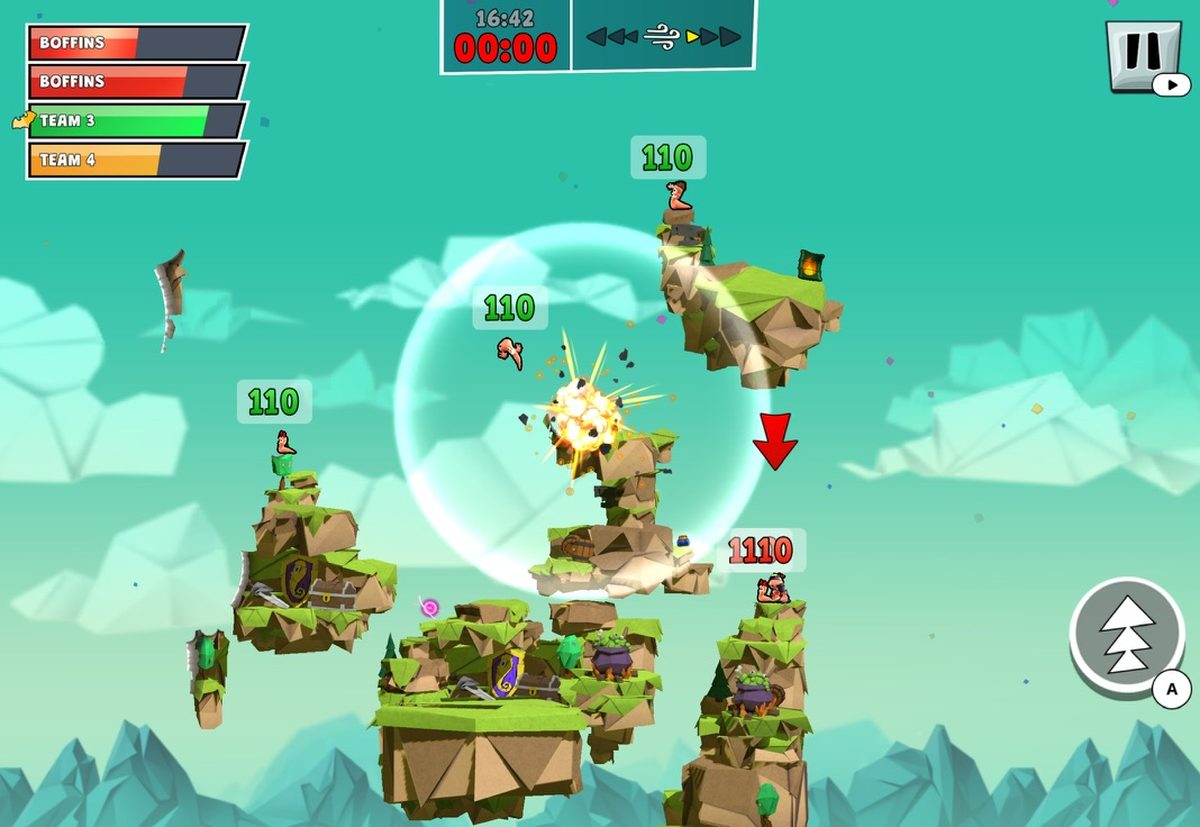
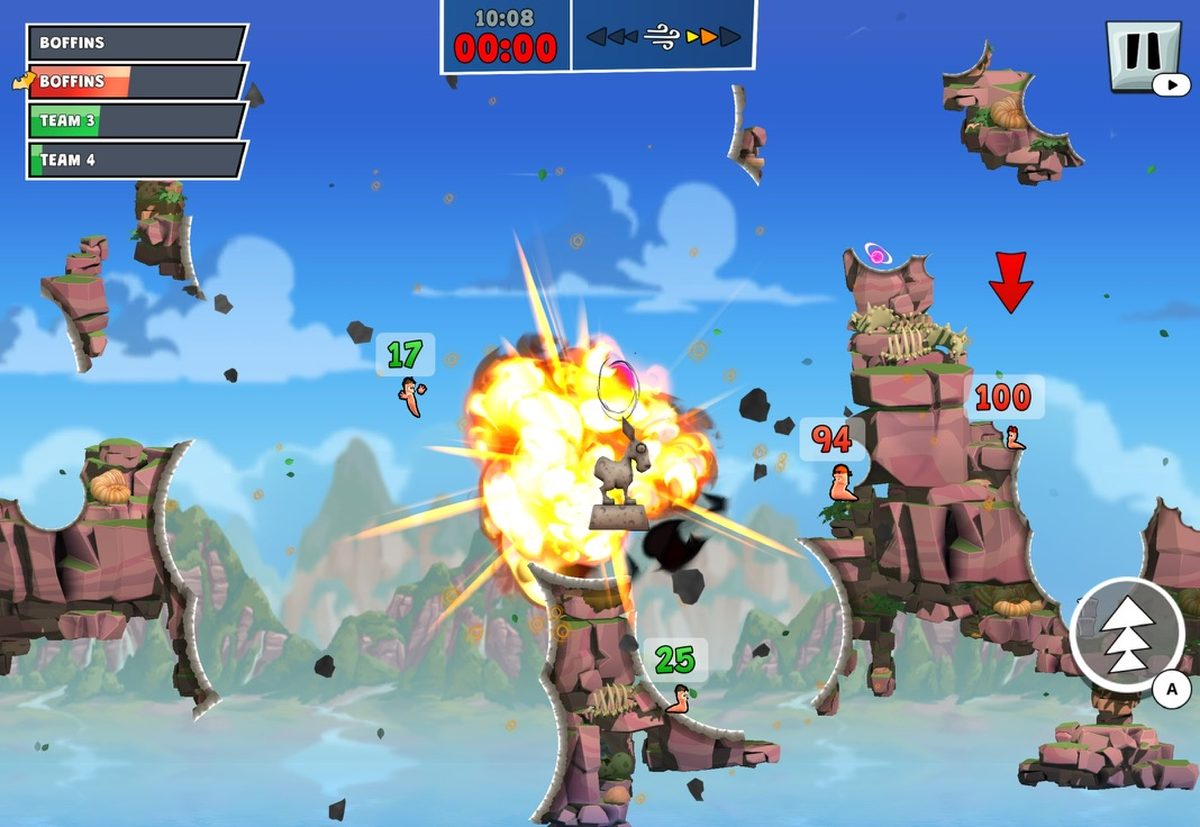
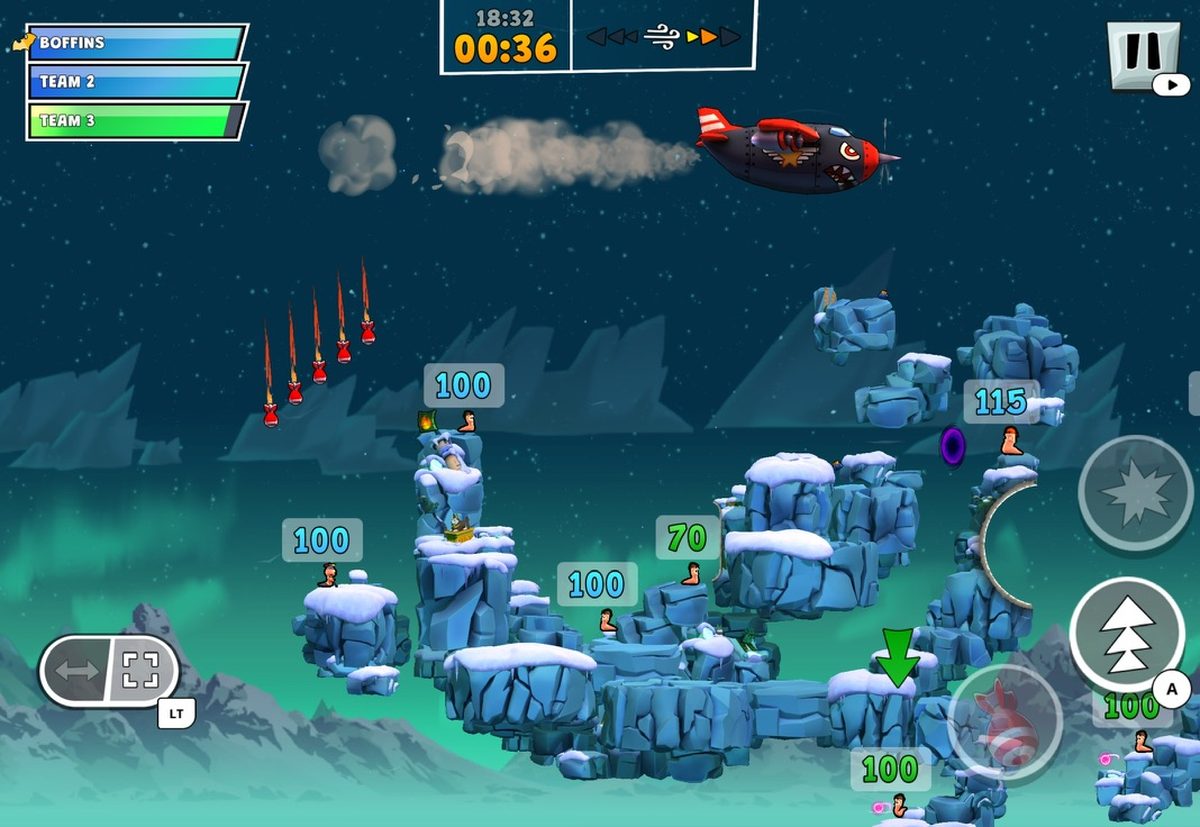
Screenshots taken by us while playing. Worms Across Worlds, developed and published by Team17.
Where this comes from
We played it ourselves.
- Publisher statedLocal play with friends
Play with both friends locally and AI opponents
apps.apple.com - Publisher statedCampaign couch co-op
solo or with a friend in couch co-op mode
apps.apple.com - Publisher statedCouch co-op
solo or with a friend in couch co-op mode
itunes.apple.com
More like this
- BadlandShared touchscreen
- Crossy Road CastleTwo controllers
- TMNT Splintered FateTwo controllers
- Cult of the LambTwo controllers


