
Kingdom Two Crowns

Can two people play Kingdom Two Crowns on one screen?
Yes. Two players can play Kingdom Two Crowns co-op on one iPad: split screen or two controllers.
A side-scrolling kingdom builder where two monarchs ride out together. It runs in split screen, on two controllers or with both of you on the touchscreen, and the tabletop layout lets you sit at opposite ends of the iPad.
How you play together
- Shared touchscreen
- Two controllers
Second player joins on the same device in split screen. Both can play on touch, side by side or tabletop from opposite ends, or each on a controller.
How to start co-op in Kingdom Two Crowns
- Connect a second controller.
- Start the game. It asks whether you want single player or split screen. Choose split screen.
- Already in single player? Open the menu in the top left and choose multiplayer.
- No controllers? The top player uses the upper half of the touchscreen, the other player the lower half.
The details
- Same screen, both at once
- No
- Split screen
- Yes
- Pass the device, taking turns
- No
- Two controllers on one device
- Yes
- Same mode on Android
- Not confirmed
- Online, a device each
- No
- Players together
- 2
- Controllers
- Full controller support
Worth knowing
Also on Apple Arcade as Kingdom Two Crowns+, where version notes mention local co-op but the listing does not say how player two joins. Extra campaigns are paid add-ons.
Our review
The start was a little rough. In split screen the tutorial text was cropped off, and in general it takes a bit of time to pick up the instructions. But Kingdom Two Crowns is the perfect game for taking your time. It is idle and cozy, a game that calms the nervous system rather than activating it.
It has the retro charm of pixel art, but also beautiful light effects, reflections in the water and real magic within the pixels. That is an art only a few pixel games achieve, and I really appreciate the level of detail here.
It is fun in co-op because you can choose how to play together. Either you work on the same thing in the same zone, essentially on the same screen, or one of you goes off exploring while the other takes care of building the town.
It is also calm enough to be truly cooperative. Nobody gets stuck in their own game. You can actually talk about the details and spend a nice time together, instead of being thrilled and driven by adrenaline.
Of course monsters attack your town at night. But overall I would describe the experience as very comforting and harmonious. Especially if you are looking for something relaxing, this is a great fit.
To be fair, so far I have only played on easy mode, because I played it with my daughter. She absolutely loved it, which surprised me. I thought I only liked this game for the pixel style, because I grew up with pixels. So far it is one of my favorite games to play with her.
Setting up co-op is simple. With a second controller connected, the game asks at every start whether you want single player or split screen, and from single player you can switch any time through the menu in the top left. We played with two controllers, which we prefer. A shared touchscreen also works: the top player controls the upper half, the other player the lower half.
We are just at the beginning, but we really like it and will definitely keep building our town. I will report back once we have played more.
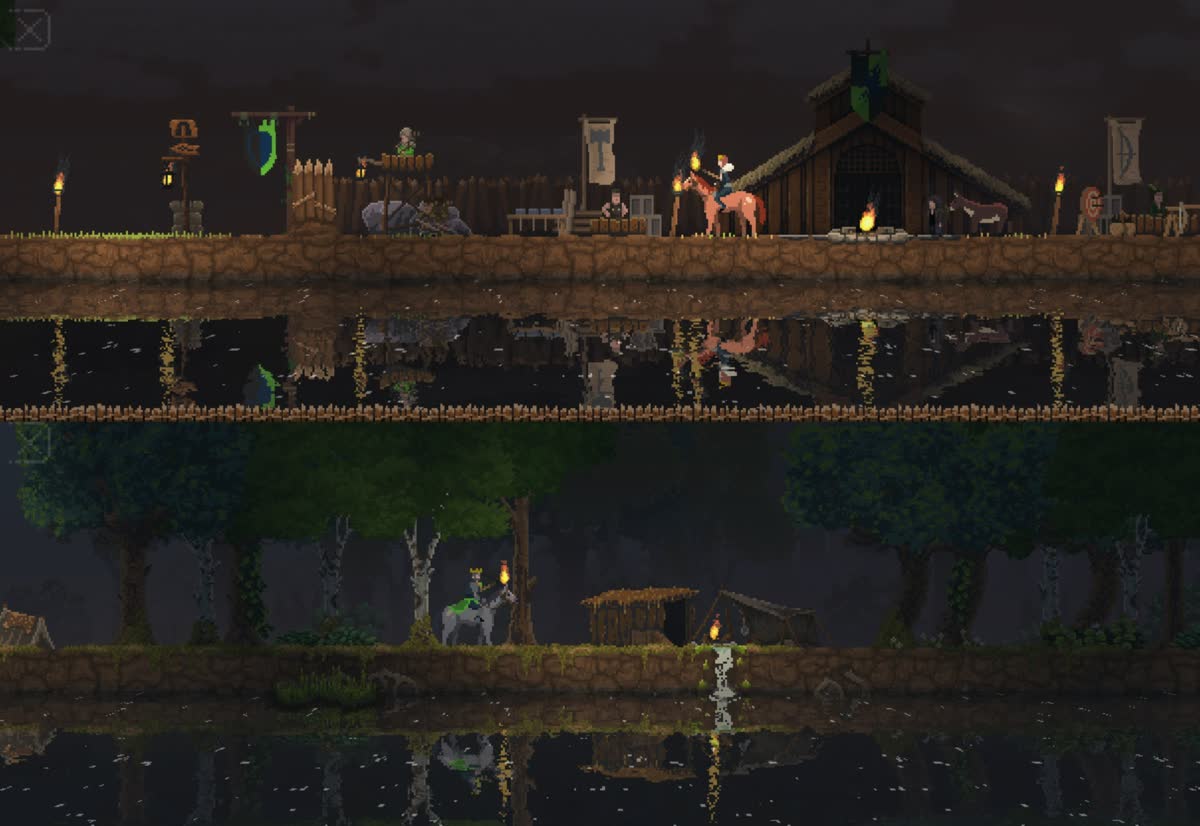
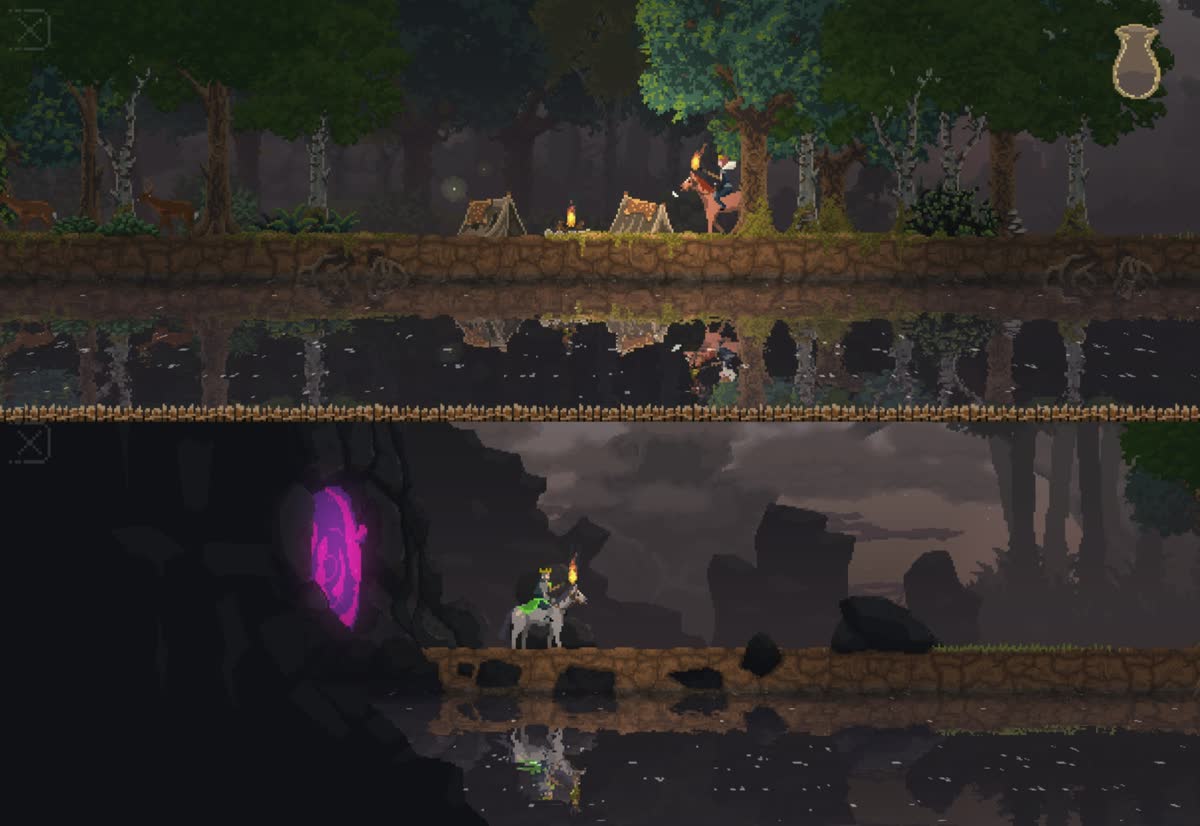
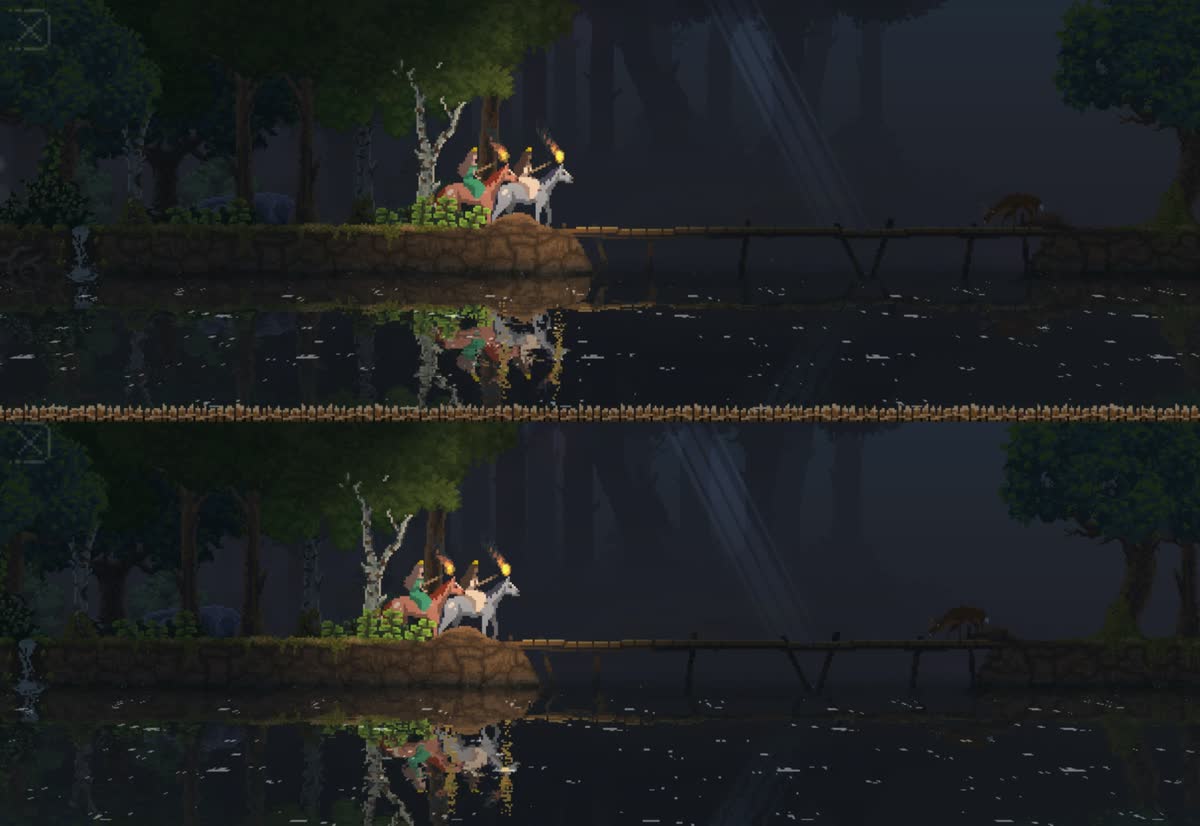
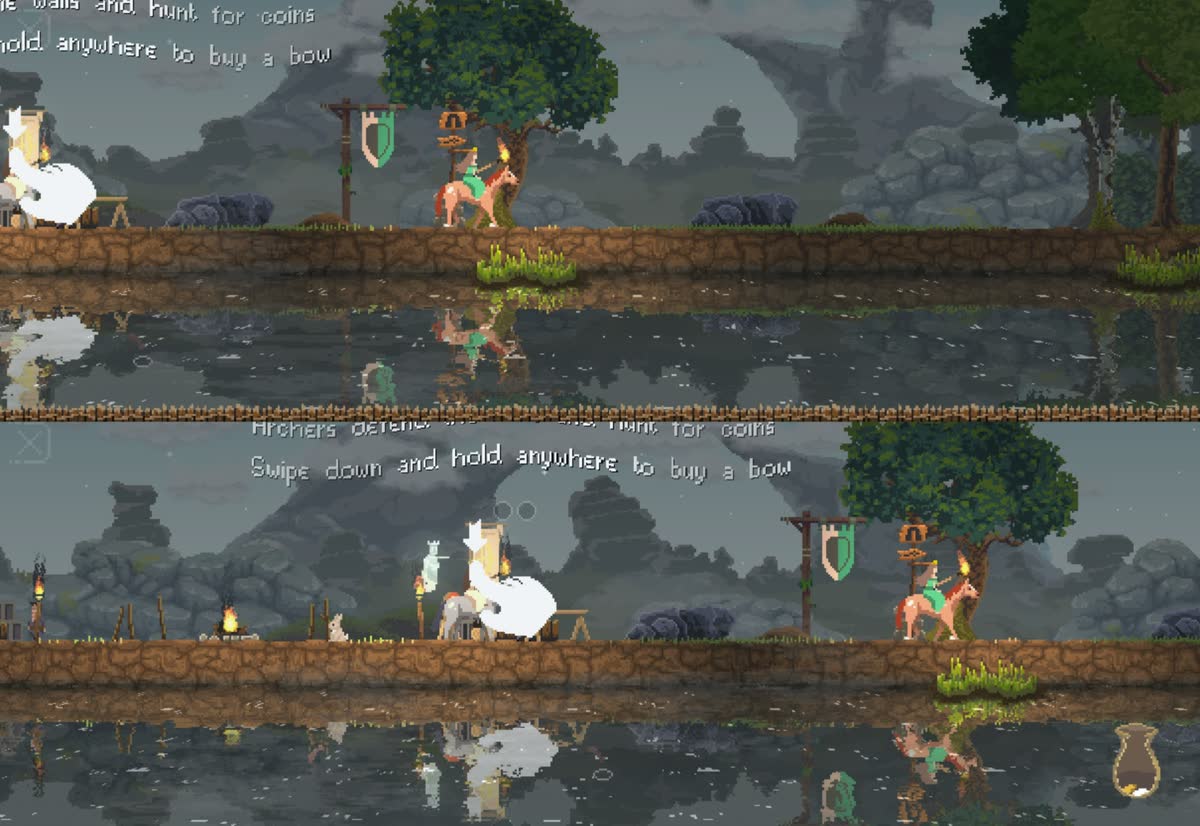
Screenshots taken by us while playing. Kingdom Two Crowns, developed by Coatsink, published by Raw Fury.
Where this comes from
We played it ourselves.
- Community reportediOS version has two player split screen and native controller support
it includes a nifty two player splitscreen mode
toucharcade.com - Publisher statedSplit-screen multiplayer stated in App Store listing
tackle all Challenge Islands together with a friend via split-screen multiplayer
apps.apple.com - Community reportedCo-Optimus lists 2 player local co-op with splitscreen for iPhone/iPad
working together locally in classic split screen while sitting next to your fellow monarch
co-optimus.com - Publisher statedMobile version has tabletop co-op, two players at opposite sides of one device
across from them on opposite sides of the device in the custom mobile feature of tabletop co-op
kingdomthegame.com - Publisher statedBluetooth controllers are supported on mobile
takes advantage of native support for wireless controllers through Bluetooth
kingdomthegame.com
More like this
- Divinity: Original Sin 2Two controllers
- Crossy Road CastleTwo controllers
- CrashlandsTwo controllers
- The Escapists 2: Pocket BreakoutSame room


